














 >
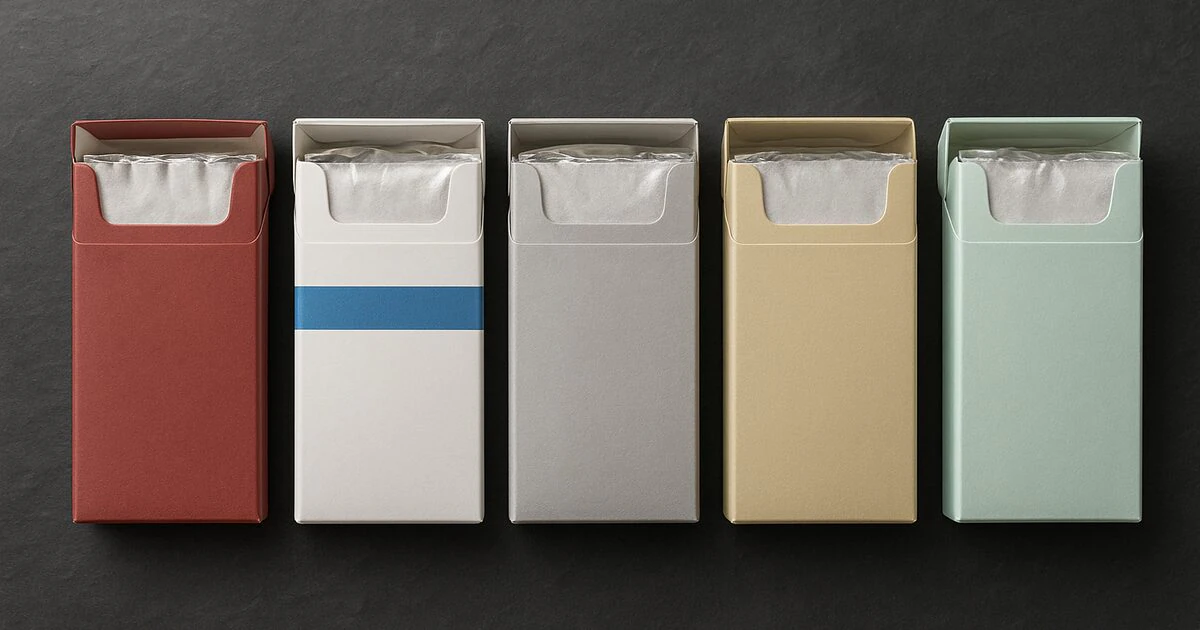
If you want to buy cigarettes online in Alberta cities, the easiest way to narrow the catalog is to start with your location, then choose a brand family and variant that match what you already buy. Alberta orders do not need to be planned around one large-city catalog. BCO has dedicated ordering pages for Red Deer, Lethbridge, Medicine Hat, Grande Prairie, Fort McMurray, Brooks, Camrose, Leduc, Airdrie, St. Albert, Sherwood Park and other Alberta communities, alongside a full online cigarette catalog.
This guide is for shoppers comparing the Alberta city pages and deciding what to put in the cart. It covers the practical differences between a single-pack order, a carton order and a mixed-brand order. It also shows how to use product names, variant words and pack quantities so that the item you select is the item you intended to buy.
Start with the Alberta city page that matches your address
Use the location page as your first stop rather than searching the entire store from scratch. For central Alberta, open the Red Deer cigarette ordering page. Southern Alberta shoppers can compare the Lethbridge page, the Medicine Hat page and the Brooks page. Northern Alberta shoppers can use the pages for Grande Prairie and Fort McMurray.
The city page is not a separate product range. It is a local entry point into the same BCO catalog, with links that make it faster to shop by community. If your city is outside the largest Alberta centres, the smaller-city pages are useful too: Camrose, Airdrie, St. Albert, Sherwood Park and Leduc are all available as direct starting points.
Choose by brand family before comparing individual products
Once you reach the catalog, do not choose from pack colour alone. The written product name is the useful identifier. Start with the brand family, then read the variant word after the brand name. For example, the BB Full Flavor product, BB Light product and BB Menthol product are three separate choices. Their names tell you more than a quick visual scan of the product grid.
The same approach works across other stocked families. The Discount Full Flavor, Discount Lights and Discount Menthol pages let you compare three distinct variant names. If you prefer the Classics family, compare Classics Full Flavor, Classics Lights, Classics Extra Lights and Classics Menthol as separate listings.
Alberta shopping shortcut

What you know              What to open first
-------------------------  ----------------------------------
Your usual brand           That brand's exact product listing
A preferred variant        Full Flavor, Light, Menthol, etc.
A new brand to test        A sampler or a single pack first
A monthly supply           The carton option and shipping guide
Several different tastes   Multiple product listings in one cart
Compare the main Alberta shopping routes
Ordering one familiar product
If you already know the brand and variant you want, the quickest route is a direct product page. Read the title, package description and quantity information before adding it to the cart. This is especially useful when two products from the same family have similar names. For a two-variant family, compare DK’s Full with DK’s Light, or compare dM Original with dM Smooth. Keeping the full product name visible reduces accidental substitutions.
Building a mixed-brand order
A mixed cart is useful when you want to keep a familiar product and test a second one. Keep the products separate in your notes while shopping: write the brand, variant and number of packs for each line. For example, you could compare a Playfare Full Flavor listing with a Time Full listing, then add a lighter option such as Nexus Light. The point is not to treat them as interchangeable. The point is to make the cart reflect the different products you selected.
BCO also carries mystery cigarette packs for shoppers who want a smaller way to try something different. Use a sampler when you are exploring the catalog; use a known product page when you want the exact family and variant.
Use the variant word as your final filter
Variant words are important because the catalog is organized around real product listings, not a single generic “cigarettes” item. Full Flavor, Light, Ultra Light, Menthol, Original, Smooth and Special can each point to a different product page. If you are replacing an item from a local purchase, write down the wording from the package or receipt before you search. A short note such as “brand plus Light” is more reliable than trying to remember whether the pack was silver, blue or white.
This is also useful when shopping for another person. Ask for the brand and the exact variant, then verify the listing yourself before adding it. “Get the blue one” is not enough information when several families use blue or silver pack cues. The product title is the authority for the order. If the requested variant is not available, pause and compare the other listings rather than quietly substituting a similar-looking item.
Compare one family at a time
Large catalogs become easier when you compare one family at a time. Open the family listings in separate browser tabs, record the variant names, and decide whether you want one known option or a small comparison cart. This avoids mixing a brand name with a variant from another family. It also makes repeat ordering easier because your next order can follow the same note: family, variant, quantity.
For example, a shopper who normally buys a Full Flavor product could compare the Full Flavor listings from two families without treating them as the same product. A shopper who normally buys a lighter variant can compare the Light or Ultra Light listing within each family. A shopper who wants a cooling option can search the Menthol listings directly. The purpose of the comparison is to make the choice visible and deliberate, not to claim that all products with the same variant word are identical.
Decide whether you need variety or consistency
There are two simple reasons to add more than one product to an Alberta order. You may want consistency and be stocking the same named product for the next several weeks, or you may want variety and be comparing different families in one cart. Both are valid shopping plans, but the product selection is different. Consistency points toward the exact listing you already know. Variety points toward a mixed cart or a mystery product.
- For consistency: use the same brand, variant and quantity each time, then save the product URL for the next order.
- For comparison: select one clearly named item from each family and keep the quantities easy to identify.
- For discovery: start with a pack or sampler before moving to a larger quantity.
Planning a carton order
A carton makes sense when you already know what you want to keep on hand. Before adding one, check the product page rather than assuming every variant has the same packaging or quantity. If you are not ready to commit to one family, a mystery cigarette carton is a different buying decision from a named-brand carton: it is for variety, while a named listing is for consistency.
Use the existing carton buying guide when comparing pack-versus-carton planning. The carton price comparison guide is another useful reference for checking the numbers in your cart. The goal is simple: choose a quantity that matches your routine instead of adding a carton because the product grid makes it look like the default.
Product families Alberta shoppers can compare
The catalog contains several ways to compare products without guessing. Brand families with multiple variants are easiest to shop when you use the product name as a checklist. For a four-variant comparison, open the Playfare Light, Playfare Ultra Light and Playfare Menthol listings alongside the Full Flavor page. For the Canadian family, compare Canadian Full, Canadian Lights and Canadian Ultra Lights by their exact titles.
If you prefer a lighter or cooling variant, look for that word in the listing title rather than relying on a colour cue. If you prefer a stronger or more traditional variant, the Full Flavor or Original wording may be the relevant starting point in that family. The general cigarette strength guide explains how the common variant labels are used across the catalog. It is a comparison tool, not a replacement for reading the individual product page.
How to build an Alberta cart without losing track of the details
- Write down the exact product name. Include the brand and variant word before you start adding items.
- Open the product page. Confirm the title and package information on the listing, not just the search result.
- Separate known products from trial products. A familiar listing and a sampler solve different shopping problems.
- Review the cart before checkout. Check that the selected variant and quantity match your notes.
- Choose delivery at checkout. The available service and final delivery charge are shown for the order at the checkout stage.
- Save your order details. The order tracking guide explains how to read the status after purchase.
For city shoppers, this process matters because a local landing page can make discovery easier, but it does not remove the need to verify the product line. A Red Deer shopper and a Grande Prairie shopper can choose the same product, while two shoppers in the same city can need completely different variants. The address identifies the delivery destination; the product title identifies what is in the cart.
Delivery planning for Red Deer, southern and northern Alberta
When comparing Alberta city pages, think about delivery planning in three parts: the address, the cart size and the service shown at checkout. Smaller communities such as Brooks, Camrose and Leduc can use the same online catalog as larger centres. Northern shoppers in Grande Prairie and Fort McMurray can begin with their local pages, then check the order’s delivery options before paying. The live checkout is the place to confirm the service available for the destination and the current order total.
If you are deciding between standard and faster options, read the cigarette shipping options guide before building the cart. It explains how to compare free, expedited, Xpresspost and priority choices. For a broader overview of provincial ordering, the Canada cigarette delivery guide shows how to plan an online order without mixing up product selection and delivery selection.
When to shop the full catalog instead of a city page
The full shop is the better starting point when you already know the product name, want to compare several brand families or are assembling a larger mixed cart. The cigarettes category is useful when you want a focused catalog view without browsing nicotine pouches or accessories. Use the Alberta city pages when you want a local ordering path; use the shop and category pages when the product decision is already clear.
Shoppers exploring a new family can also read BCO’s Canadian cigarette brands directory. It provides a broad index of the stocked families, while the product pages provide the exact variant and package information. Moving from the directory to the product listing is the safest way to turn a general idea such as “I want to try a Canadian brand” into a specific item in the cart.
A practical Alberta buying checklist
- Open the city page for Red Deer, Lethbridge, Medicine Hat, Grande Prairie, Fort McMurray or your nearest listed community.
- Decide whether the order is for one known product, a mixed cart or a sampler.
- Use the written brand and variant name as the selection rule.
- Read the product page and confirm the quantity before adding it.
- Compare pack and carton options only after choosing the exact product.
- Review delivery choices and the final cart total at checkout.
- Keep the order confirmation so tracking information is easy to find later.
Shop Alberta cigarette pages and compare your options
To buy cigarettes online in Alberta cities, start with the location page that matches your destination, then move to the exact product listing that matches your brand and variant. Red Deer, Lethbridge, Medicine Hat, Grande Prairie, Fort McMurray and the smaller Alberta city pages all lead into the same catalog. That makes it possible to shop locally by destination without limiting yourself to one brand family.
When you are ready, open the Alberta cigarette page or go directly to the BCO shop. Use the product title, variant wording and package details to make the final choice, then review the completed cart before checkout.